Write LinkedIn comments in your voice.
Generic AI comments are easy to spot. LinkedIn Co-Pilot helps you draft faster while giving you controls to keep comments concise, natural, and closer to how you actually write.
The goal is not more noise. The goal is a better first draft.
Answer in brief
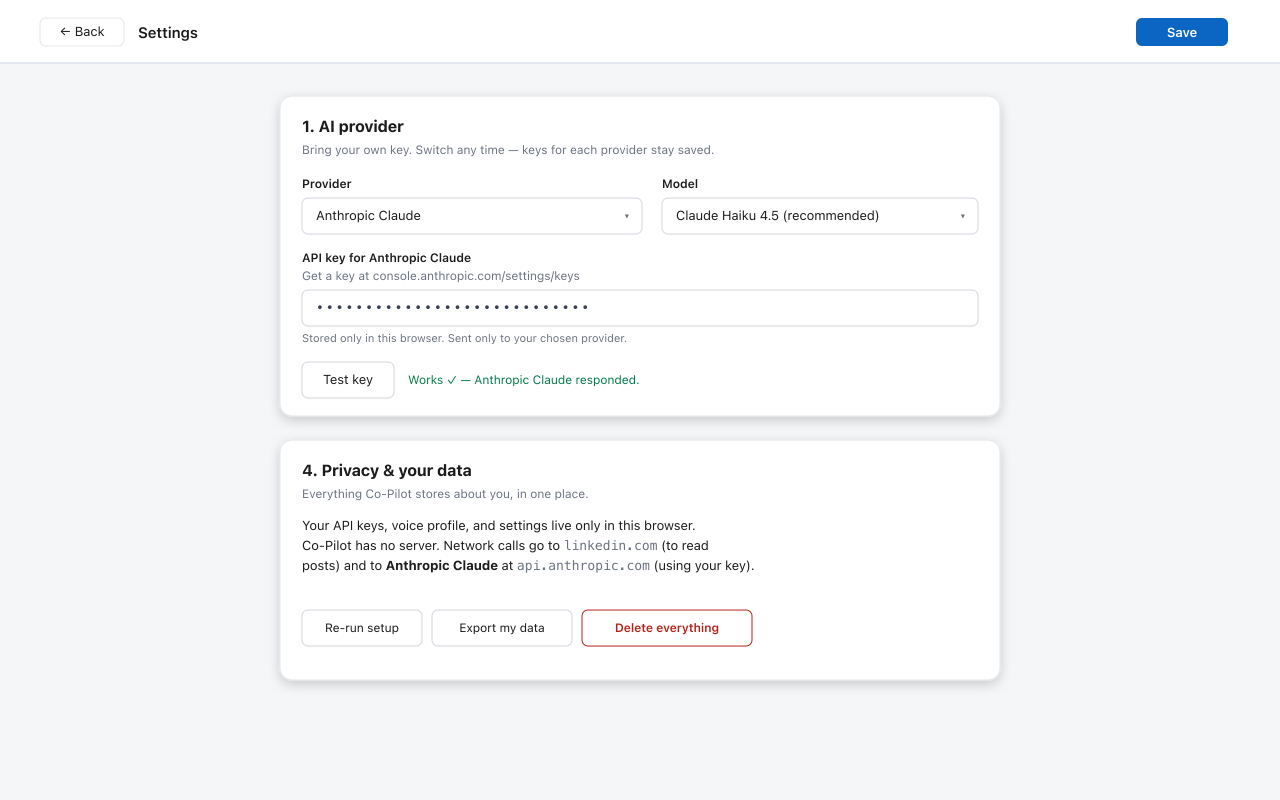
To write LinkedIn comments in your voice, use AI for structure and speed, then edit for your real point of view. LinkedIn Co-Pilot supports this by letting you set tone, formality, emoji use, language, and draft length before generating.
Start with intent
Choose whether the comment should add a point, ask a question, agree, or offer a useful example.
Control the style
Set the draft to be shorter, warmer, more analytical, more formal, or more conversational.
Edit before posting
Remove generic AI phrases and add the one detail only you would know.
Comment examples by tone
Frequently asked questions
How do I make AI comments sound like me?
Start with a clear tone, choose the right length, remove phrases you would never say, and edit the final draft before posting.
Can LinkedIn Co-Pilot write in different tones?
Yes. LinkedIn Co-Pilot includes tone and style controls for length, emoji use, formality, and language.
Should I post AI comments unchanged?
Usually no. Treat AI output as a first draft and adjust it so it reflects your real opinion.
Draft faster, then make it yours.
Install the free Chrome extension and shape comments before you post them.
Add to Chrome - Free